Meme Generator
The fastest way to add text to images. Pick a template or upload your own, then caption it.
100%
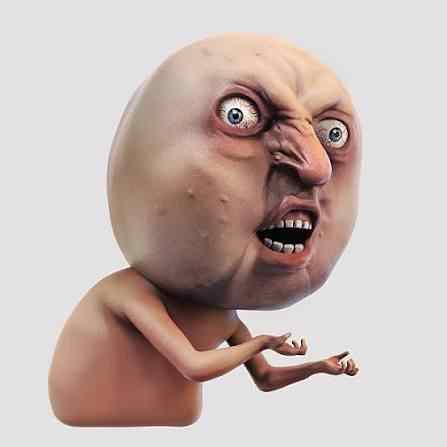
Y U No
Hot memes
View all memes



What is the Meme Generator?
MemesOK Meme Generator is a free online tool that helps you create memes in seconds. Choose from popular meme templates, upload your own image, or start with a blank canvas and turn your ideas into shareable memes.
No design experience is needed. Just pick a template, add your text, and download your meme instantly.
How to Create a Meme
- Choose a Template. Browse popular meme templates, search for a specific meme, or upload your own image to get started.
- Add Your Text. Add top text, bottom text, or multiple text boxes. Move and customize them however you like.
- Customize Your Meme. Change fonts, colors, and outlines to make your meme unique. Or use AI Caption to write it for you.
- Generate and Download. Click the Generate Meme button to create your meme. Download it instantly and share it anywhere.
What Can You Customize?
With MemesOK, you can:
- Add multiple text boxes anywhere on the image
- Move text freely by dragging it
- Change font style, size, and color
- Add text outlines for better visibility
- Upload your own images
- Generate an AI-written caption in one click
- Create memes on desktop or mobile devices
- Download high-quality meme images
Can I Upload My Own Images?
Yes. You can upload your own photos, screenshots, or images and turn them into memes using the same editing tools available for templates.